
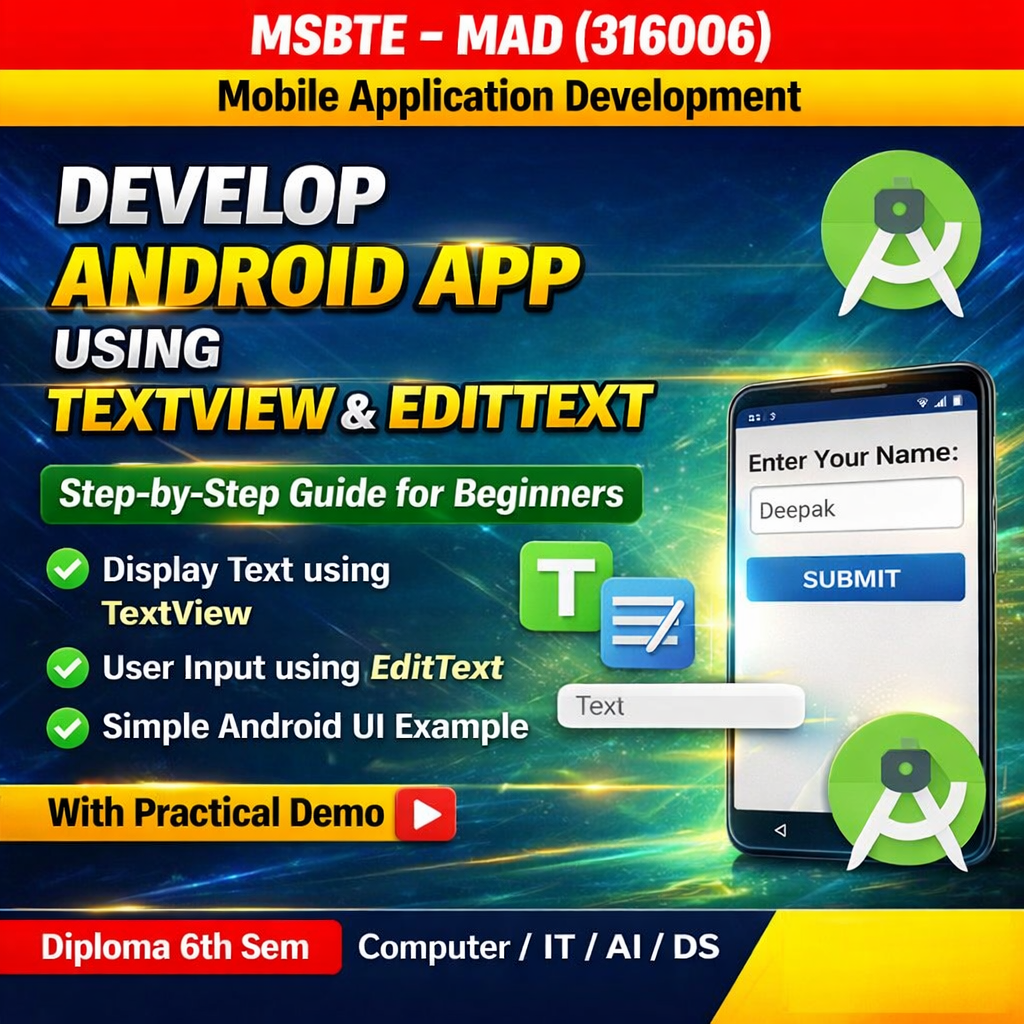

Introduction
In Android development, TextView and EditText are basic UI components used to display and receive text from users.
- TextView is used to display text on the screen.
- EditText is used to allow the user to enter text input.
These components are commonly used in forms such as login pages, registration forms, and search boxes.
Components Used
1. TextView
TextView is used to display text to the user.
Example:
<TextView
    android:id="@+id/tvTitle"
    android:layout_width="wrap_content"
    android:layout_height="wrap_content"
    android:text="Enter Your Name"
    android:textSize="20sp"/>
2. EditText
EditText allows users to enter text input.
Example:
<EditText
    android:id="@+id/etName"
    android:layout_width="match_parent"
    android:layout_height="wrap_content"
    android:hint="Enter your name"/>
Step 1: Create New Android Project
- Open Android Studio
- Click New Project
- Select Empty Activity
- Enter Project Name
- Select Java as language
- Click Finish
Step 2: activity_main.xml
Open res → layout → activity_main.xml
<?xml version="1.0" encoding="utf-8"?>
<LinearLayout
    xmlns:android="http://schemas.android.com/apk/res/android"
    android:layout_width="match_parent"
    android:layout_height="match_parent"
    android:orientation="vertical"
    android:padding="20dp">

<TextView
        android:id="@+id/textView1"
        android:layout_width="wrap_content"
        android:layout_height="wrap_content"
        android:text="Enter Your Name"
        android:textSize="20sp"/>

<EditText
        android:id="@+id/editText1"
        android:layout_width="match_parent"
        android:layout_height="wrap_content"
        android:hint="Type your name here"/>

</LinearLayout>
Output
When the application runs:
- A TextView will display the text “Enter Your Name”
- An EditText field will allow the user to enter their name
Conclusion
In this practical, we developed a simple Android application using TextView and EditText. These components are essential UI elements used to display information and collect user input in Android applications.