
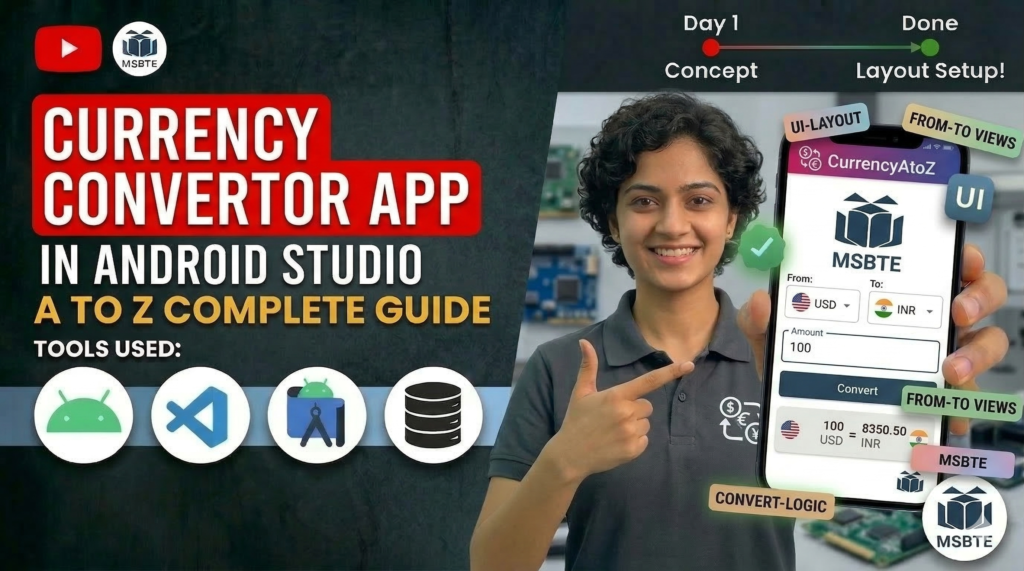

A Currency Converter App helps users convert currencies like USD, INR, EUR, etc., using predefined or real-time exchange rates. This project demonstrates Android UI design and basic calculation logic.
🎯 Objective
- Convert one currency to another
- Provide a simple UI for users
- Perform quick calculations
- Learn Android development basics
🛠️ Technologies Used
- Android Studio
- Java
- XML (UI Design)
📱 Application Features
- Easy input for amount
- Currency selection (basic version)
- Instant conversion
- Simple and clean UI
🖥️ Step 1: Design Layout (XML)
Here is the UI design for the Currency Converter App:
<?xml version="1.0" encoding="utf-8"?>
<LinearLayout
xmlns:android="http://schemas.android.com/apk/res/android"
android:layout_width="match_parent"
android:layout_height="match_parent"
android:orientation="vertical"
android:padding="20dp">

<EditText
    android:id="@+id/etName"
    android:layout_width="match_parent"
    android:layout_height="wrap_content"
    android:hint="Enter Name"/>

<Button
    android:id="@+id/btnInsert"
    android:layout_width="match_parent"
    android:layout_height="wrap_content"
    android:text="Insert"/>

<Button
    android:id="@+id/btnView"
    android:layout_width="match_parent"
    android:layout_height="wrap_content"
    android:text="View"/>

<Button
    android:id="@+id/btnUpdate"
    android:layout_width="match_parent"
    android:layout_height="wrap_content"
    android:text="Update"/>

<Button
    android:id="@+id/btnDelete"
    android:layout_width="match_parent"
    android:layout_height="wrap_content"
    android:text="Delete"/>

</LinearLayout>
⚙️ Step 2: Java Code (MainActivity)
This code handles the conversion logic:
package com.example.databasedemo;

import android.content.ContentValues;
import android.content.Context;
import android.database.sqlite.SQLiteDatabase;
import android.database.sqlite.SQLiteOpenHelper;

public class DatabaseHelper extends SQLiteOpenHelper {

    public static final String DB_NAME="StudentDB";
    public static final String TABLE_NAME="student";

    public DatabaseHelper(Context context){
        super(context,DB_NAME,null,1);
    }

    @Override
    public void onCreate(SQLiteDatabase db) {
        db.execSQL("CREATE TABLE student(id INTEGER PRIMARY KEY AUTOINCREMENT,name TEXT)");
    }

    @Override
    public void onUpgrade(SQLiteDatabase db,int oldVersion,int newVersion){
        db.execSQL("DROP TABLE IF EXISTS student");
        onCreate(db);
    }

    public boolean insertData(String name){
        SQLiteDatabase db=this.getWritableDatabase();
        ContentValues cv=new ContentValues();
        cv.put("name",name);
        long result=db.insert(TABLE_NAME,null,cv);
        return result!=-1;
    }
}
🧠 Working Explanation
- User enters amount
- Selects currencies
- Clicks convert button
- App calculates using predefined rates
- Result is displayed instantly
🚀 Future Improvements
- 🌐 Add real-time API integration
- 🔄 Add currency swap feature
- 📊 Show exchange rate history
- 📱 Improve UI with Material Design