

Introduction
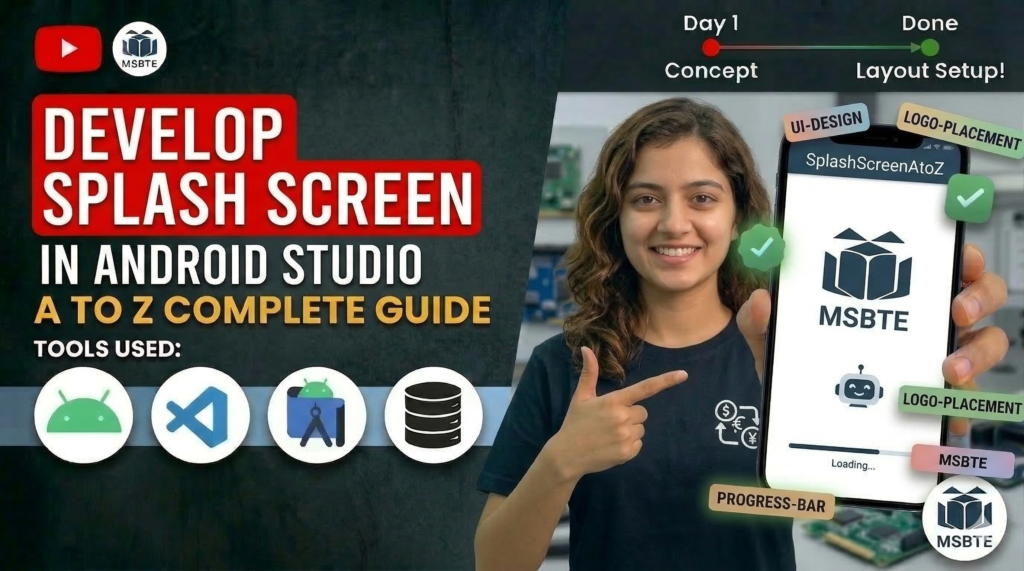
A splash screen in Android is the first screen that appears when a mobile application is launched. It is used to display the application logo, name, or branding while the app is loading in the background.
Some important components include the following:
- App Logo – Displays the identity of the application.
- Application Name – Shows the name of the app to users.
- Background – Provides visual design using colors or images.
- Loading Indicator – Shows that the application is starting or loading.
- Tagline or Animation (Optional) – Adds additional information or visual effects.
In this practical, we will create a simple splash screen in Android.
Step 1: Create a New Android Project
- Open Android Studio
- Click “New Project.”
- Select Empty Activity
- Choose Java as the programming language
- Click “Finish.”
Step 2: activity_main.xml
Step 3:MainActivity. java
Output
When the application runs:
- The splash screen successfully displays the app logo and name.
- The screen remains visible for a short duration (about 3 seconds).
- After the delay, the application automatically navigates to the main screen.
Conclusion
This practical demonstrates how a splash screen improves the user experience, branding, and professional appearance of an Android application.