

Introduction
In Android applications, buttons are used to perform actions when the user interacts with them.
Android provides different types of buttons for different purposes:
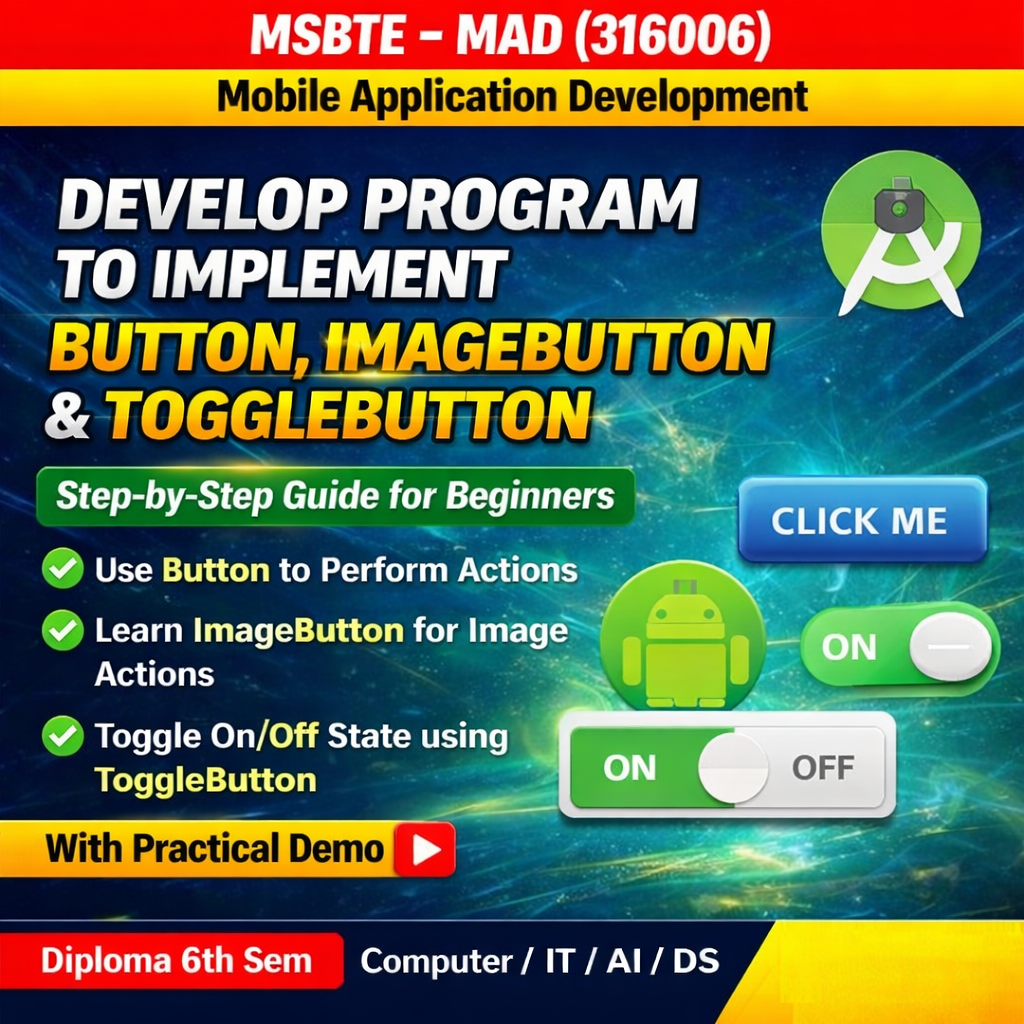
- Button – Used to perform a specific action when clicked.
- ImageButton – A button that displays an image instead of text.
- ToggleButton – A button that switches between two states (ON/OFF).
These buttons are commonly used in applications for navigation, settings, and user interactions.
Step 1: Create a New Android Project
- Open Android Studio
- Click New Project
- Select Empty Activity
- Choose Java as the programming language
- Click Finish
Step 2: activity_main.xml
Open res → layout → activity_main.xml
<?xml version="1.0" encoding="utf-8"?>
<LinearLayout
    xmlns:android="http://schemas.android.com/apk/res/android"
    android:layout_width="match_parent"
    android:layout_height="match_parent"
    android:orientation="vertical"
    android:padding="20dp"
    android:gravity="center">

<!-- Normal Button -->
<Button
        android:id="@+id/btnClick"
        android:layout_width="wrap_content"
        android:layout_height="wrap_content"
        android:text="Click Me"/>

<!-- Image Button -->
<ImageButton
        android:id="@+id/imgButton"
        android:layout_width="wrap_content"
        android:layout_height="wrap_content"
        android:src="@mipmap/ic_launcher"
        android:layout_marginTop="20dp"/>

<!-- Toggle Button -->
<ToggleButton
        android:id="@+id/toggleButton"
        android:layout_width="wrap_content"
        android:layout_height="wrap_content"
        android:textOn="ON"
        android:textOff="OFF"
        android:layout_marginTop="20dp"/>
</LinearLayout>
Output
When the application runs:
- Clicking the Button displays a Toast message “Button Clicked”.
- Clicking the ImageButton displays “Image Button Clicked”.
- The ToggleButton switches between ON and OFF states and shows a Toast message accordingly.
Conclusion
In this program, we implemented three types of buttons:
- Button for performing simple click actions
- ImageButton for graphical button interaction
- ToggleButton for switching between two states
These components help create interactive and user-friendly Android applications.